AI Surveillance Features

Powerful AI-Driven Surveillance Features Engineered to Detect Threats, Prevent Incidents, and Protect Your Business

Explore a comprehensive suite of intelligent surveillance capabilities that help organizations monitor every camera in real time, automatically flag suspicious activity, and respond to incidents before they escalate. Built on a secure, scalable AI engine, tatpr equips your existing infrastructure with enterprise-grade detection and actionable operational intelligence.

AI Powered Features

Everything You Need for Intelligent AI Surveillance

Explore powerful AI modules that transform ordinary CCTV cameras into intelligent surveillance systems with real-time detection, automated monitoring, instant alerts and advanced analytics.

Custom Zone & Tripwire Editor

Draw your own restricted zones and virtual tripwires on any camera — no coding required.

Restricted zone camera view Zone Configured
Learn More
Night Vision & Low-Light Enhancement

Automatic image enhancement keeps detection sharp even on grainy, low-light feeds.

Low-light camera view Enhanced View
Learn More
Unified Camera Wall

Every camera across every site, in one live wall — no switching between apps or logins.
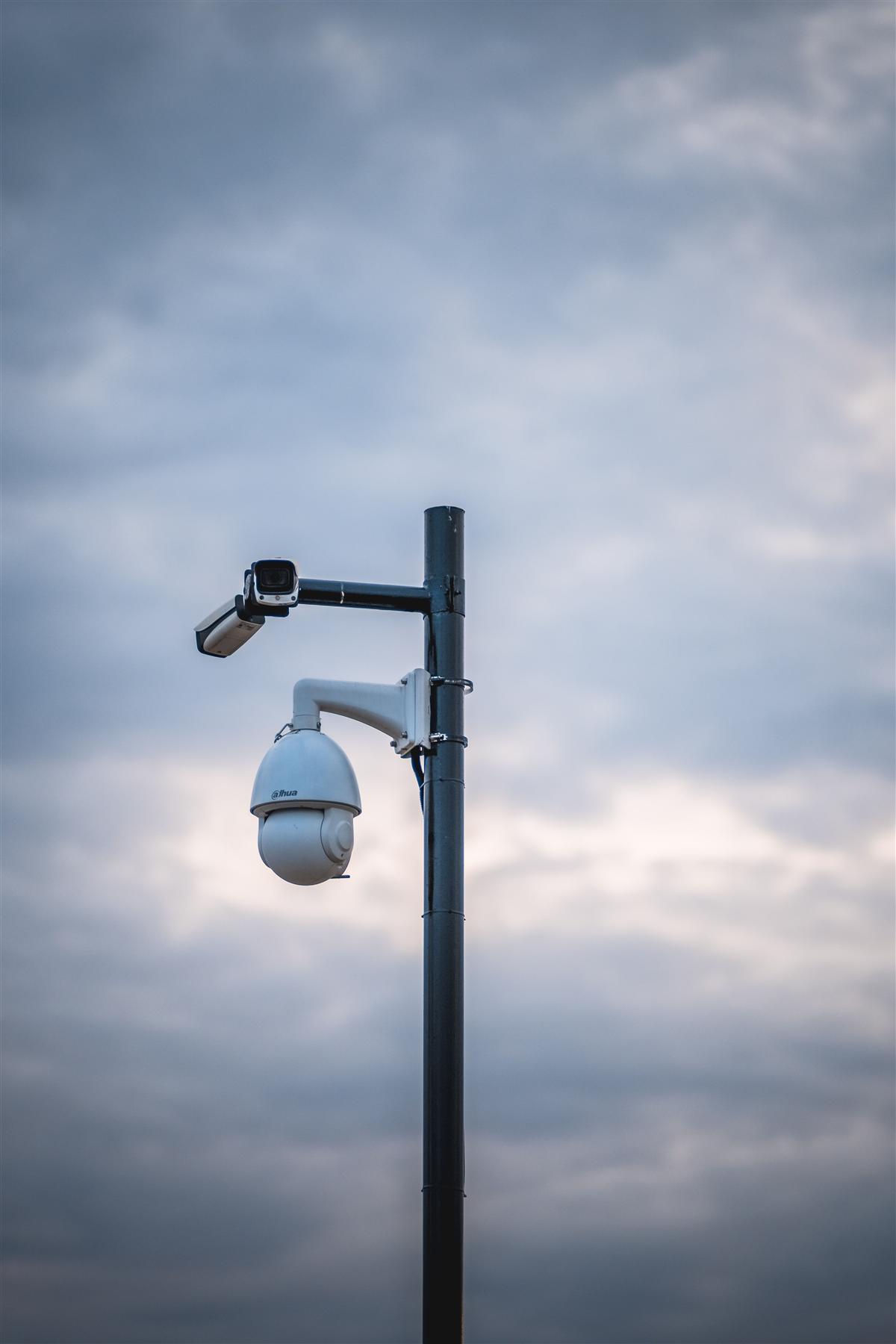
Camera live feed All Feeds Live
Learn More
Works With Your Existing Cameras

Connects to the IP cameras and NVRs you already own — no hardware replacement needed.

Existing CCTV camera Integrated
Learn More
Multi-Site Management

Manage every location from one console, with permissions and reports scoped per site.
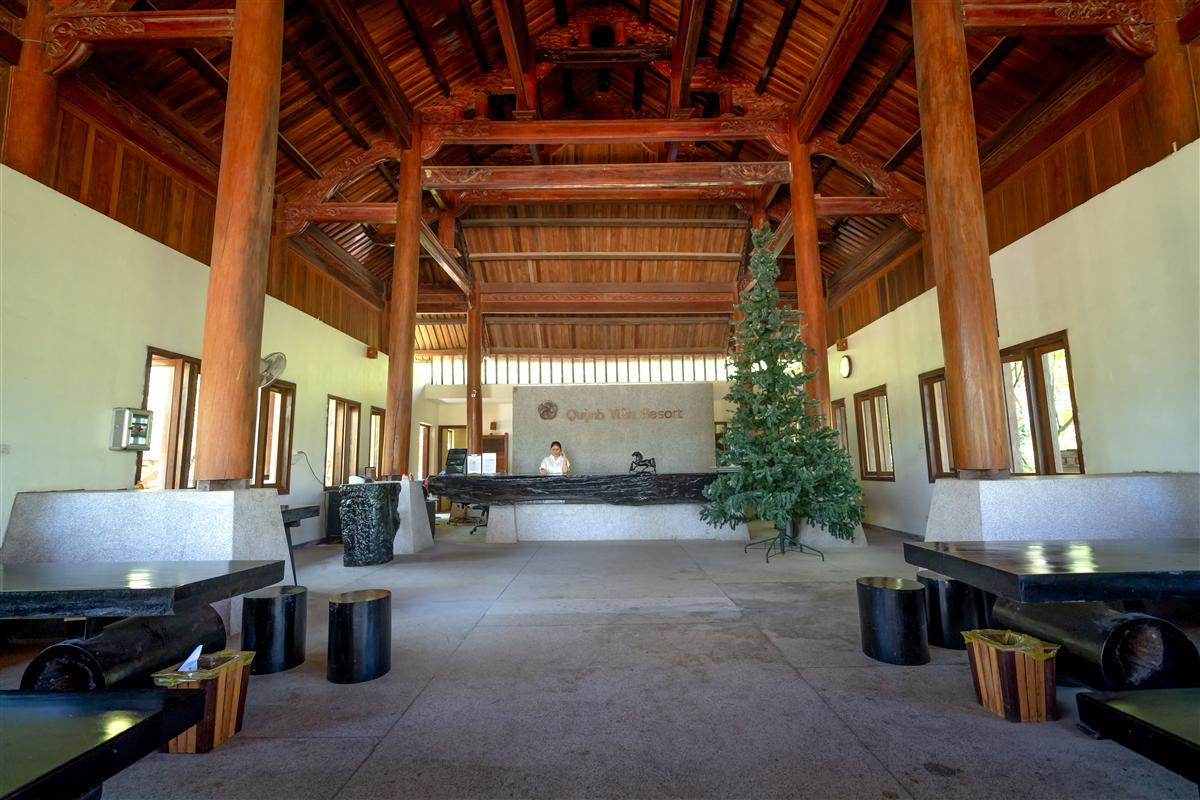
Facility lobby 3 Sites Synced
Learn More
Bandwidth-Optimized Streaming

Adaptive compression keeps every camera online even on limited or shared connections.

Learn More
Exportable PDF & Excel Reports

Turn any date range into a shareable report, ready for stakeholders in one click.

Learn More
Instant Mobile Push Alerts

Every confirmed event reaches your phone in seconds, evidence attached.

12
Learn More
Bank-Grade Data Encryption

Footage and metadata are encrypted at rest and in transit, end to end.

256
Learn More
Full Audit Trail & Reports

Every login, config change, and export is logged and timestamped for compliance.

Login Recorded
01:03:31 PM
Settings Updated
01:02:45 PM
Report Exported
12:59:10 PM
Learn More
24/7 Expert Support

A real team, not a ticket queue — day or night, whenever something needs attention.

24/7
Learn More
Role-Based Access Control

Give admins, managers, and viewers exactly the access they need — nothing more.

Admin Access
Manager Access
Viewer Access
Learn More
Custom Alert Rule Builder

Combine zones, schedules, and thresholds into rules that match how your site actually runs.

Custom Zones
Scheduled Rules
Threshold Alerts
Learn More
Open API & Webhooks

Push detections into your own tools with a documented REST API and webhooks.

REST API
Webhooks
SDK Access
Learn More
CLOUD AI · OPERATIONAL INSIGHTS

Beyond Alerts: Insights That Drive Decisions

Aggregated, cross-site analytics that turn raw footage into trends your operations team can act on.

Crowd Density & Flow

Monitor occupancy and movement patterns to prevent overcrowding and bottlenecks.

Vehicle & Plate Tracking

Log vehicle entries, exits, and number plates across every gate automatically.

Heatmaps & Footfall Trends

Visualize peak hours and high-traffic zones to plan staffing and layout.

Multi-Site Dashboard

One console for every camera, every location, with exportable reports.

SMART SEARCH

Ask tatpr, Don't Scrub Footage

Search hours of video in plain language instead of scrubbing timelines. Ask "show me every person near the loading dock after 9 PM" and get instant, timestamped results.

See It in a Live Demo

"Show unauthorized entries in Warehouse 2 after 10 PM this week"

"Any fire or smoke alerts in the last 24 hours?"

"List every vehicle that entered Gate 1 today"

Under the Hood

What Happens to Every Frame

Detection isn't a single step — it's a short pipeline that runs continuously on every connected camera, every second of the day.

01
Capture

Every connected camera streams continuously, whether it's an existing IP feed or an older analog line through an NVR.

02
Analyze

Edge and cloud models scan each frame for the specific events you've configured — a person, a vehicle, a missing helmet, an empty desk.

03
Decide

A confidence score filters out false positives before anything reaches your team, so alerts stay meaningful instead of noisy.

04
Alert

A confirmed event is logged to the dashboard and pushed to your inbox instantly, evidence attached, ready to act on.

Common Questions

Questions About tatpr's Features

Core features like the Unified Camera Wall and Instant Mobile Push Alerts work as soon as a camera is connected. Features tied to specific detection zones — like the Custom Zone & Tripwire Editor — need a few minutes of setup per camera so the AI knows exactly which area to watch.

Yes. Every feature is assigned per camera, not applied site-wide, so a warehouse gate camera and a reception desk camera can run entirely different feature sets depending on what actually matters at that location.

No. It runs on the same Cloud AI layer that already indexes your detections, so there's nothing extra to install — if a camera's events are being logged, they're searchable in plain language right away.

Both. You can export a PDF or Excel report for any date range on demand, or set up recurring reports so stakeholders receive them automatically without anyone having to remember to pull the numbers.

That's controlled by Role-Based Access Control. Admins can see the full audit trail of logins, configuration changes, and exports; managers and viewers only see what's relevant to their role, so sensitive change history isn't exposed site-wide by default.

Ready to Put These Features to Work?

See how tatpr's detection and analytics run on your own cameras, in your own environment.

Book a Demo